A YouTube channel from one chat
Niche, script, voice, frames and edit — in one place. You control every stage.
One video. Six tools.
Idea, script, voice, frames, animation, editing — each one lives somewhere else, and none of them knows about the rest.
- searching
- copying
- waiting
- mismatched
- queued
- by hand
- Copying from tab to tab.
- Every frame looks like another video.
- I only spot the flaws at the end.
One chat. From the idea to an MP4.
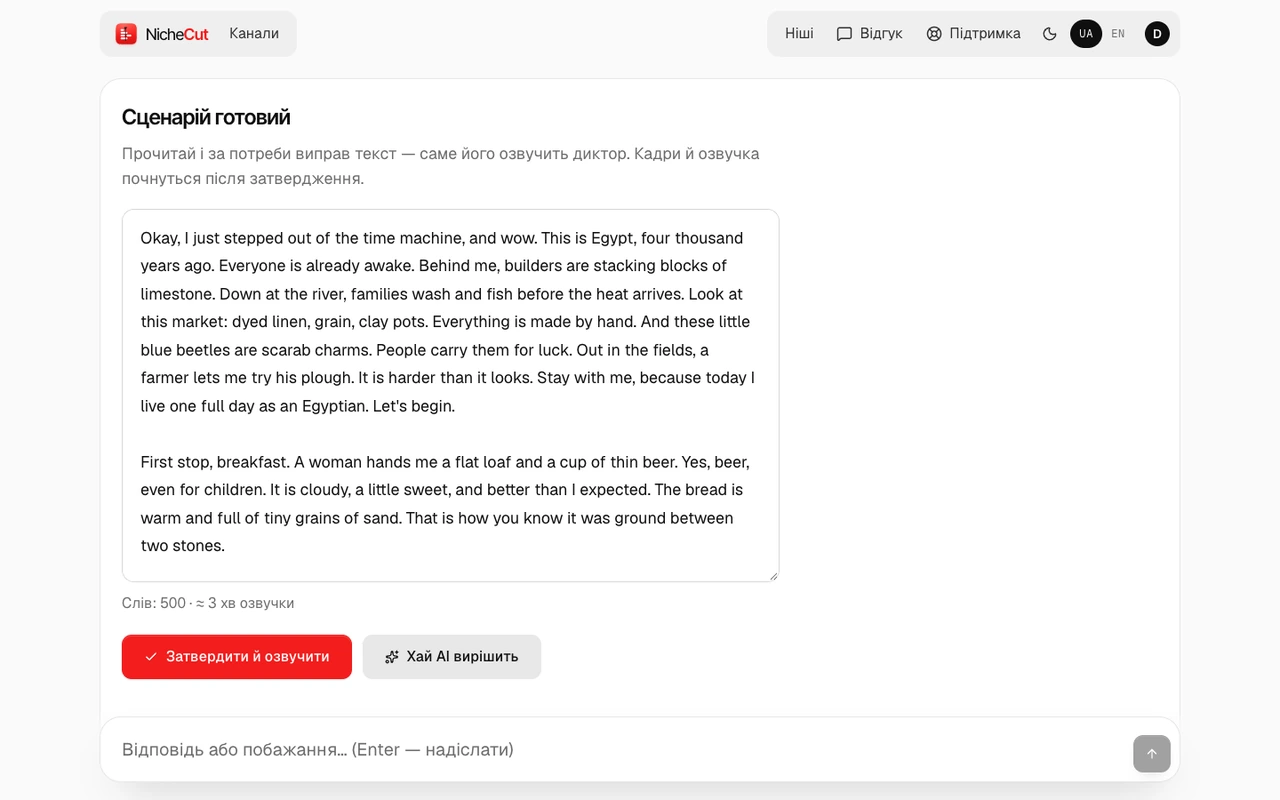
This is how the conversation looks in the studio
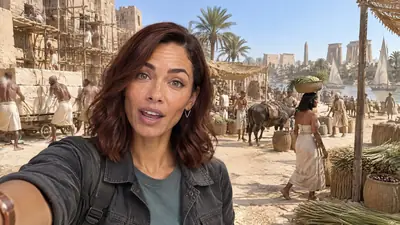
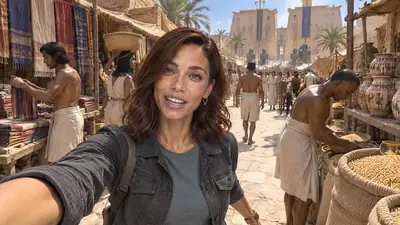
There is a ready niche: AI Time-Travel Vlog. The format is experimental.
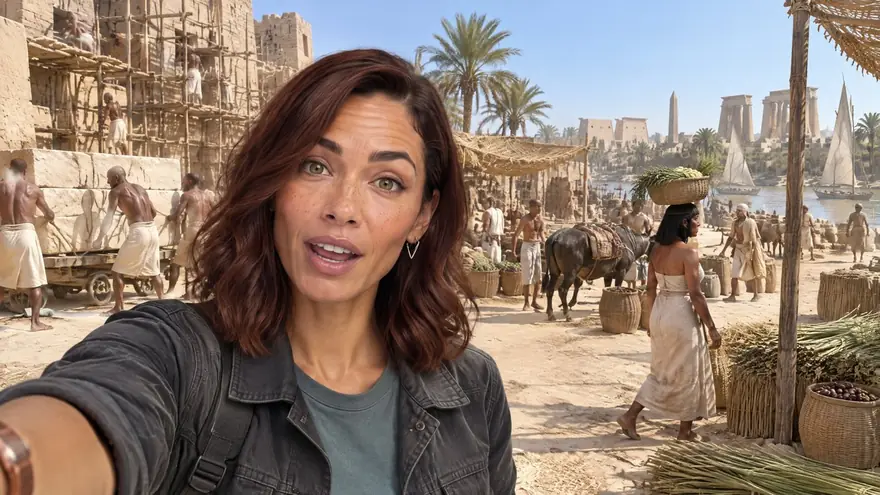

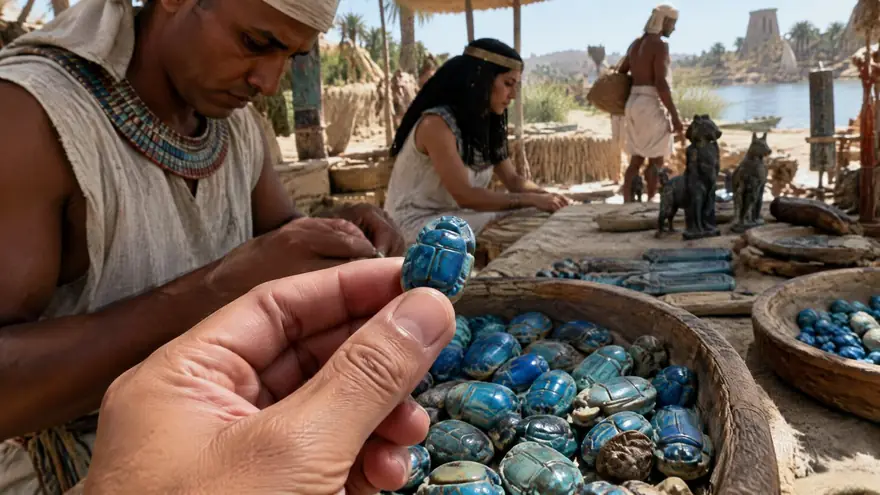
- Niche
- Scriptyour yes
- Voice
- Framesyour yes
- Animation
- Edit


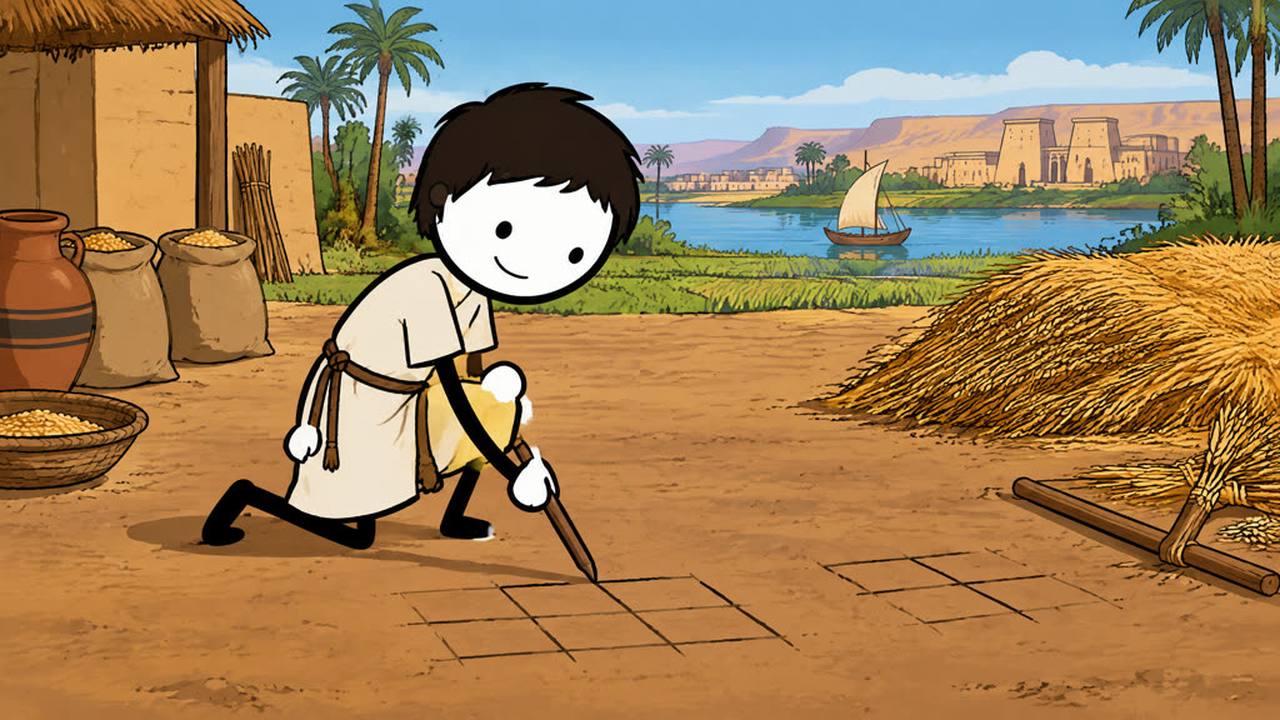
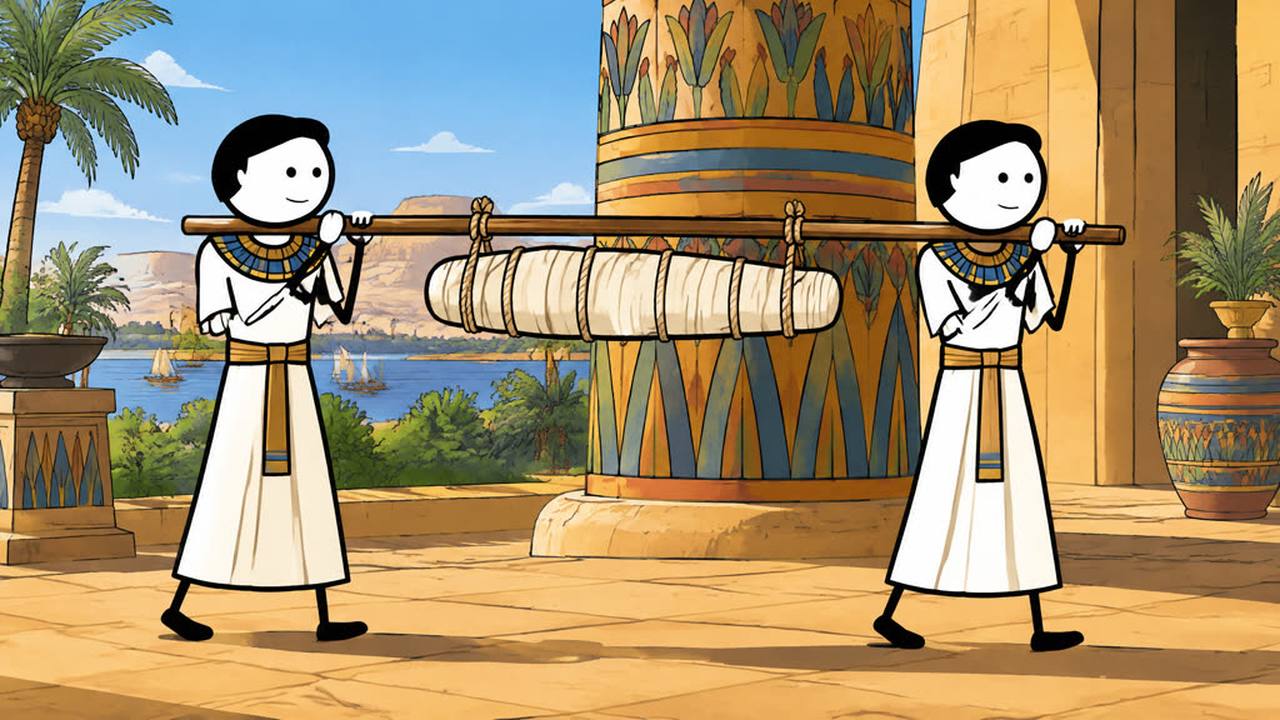
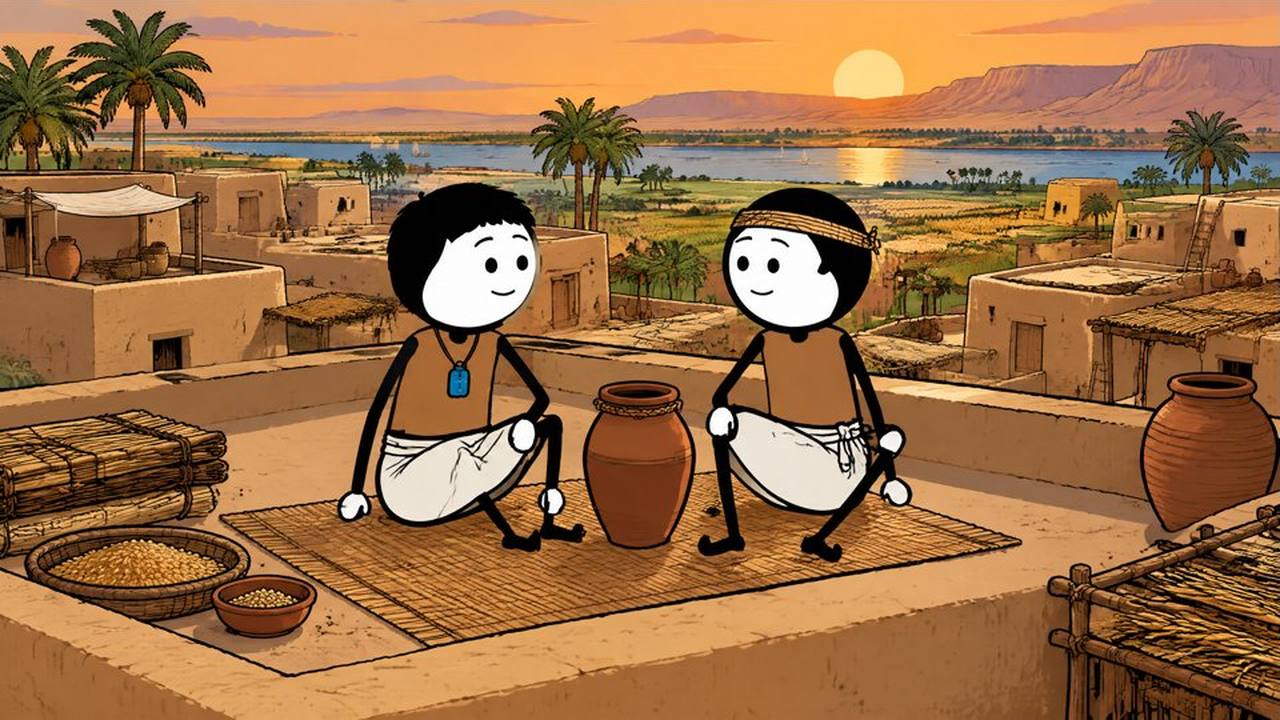
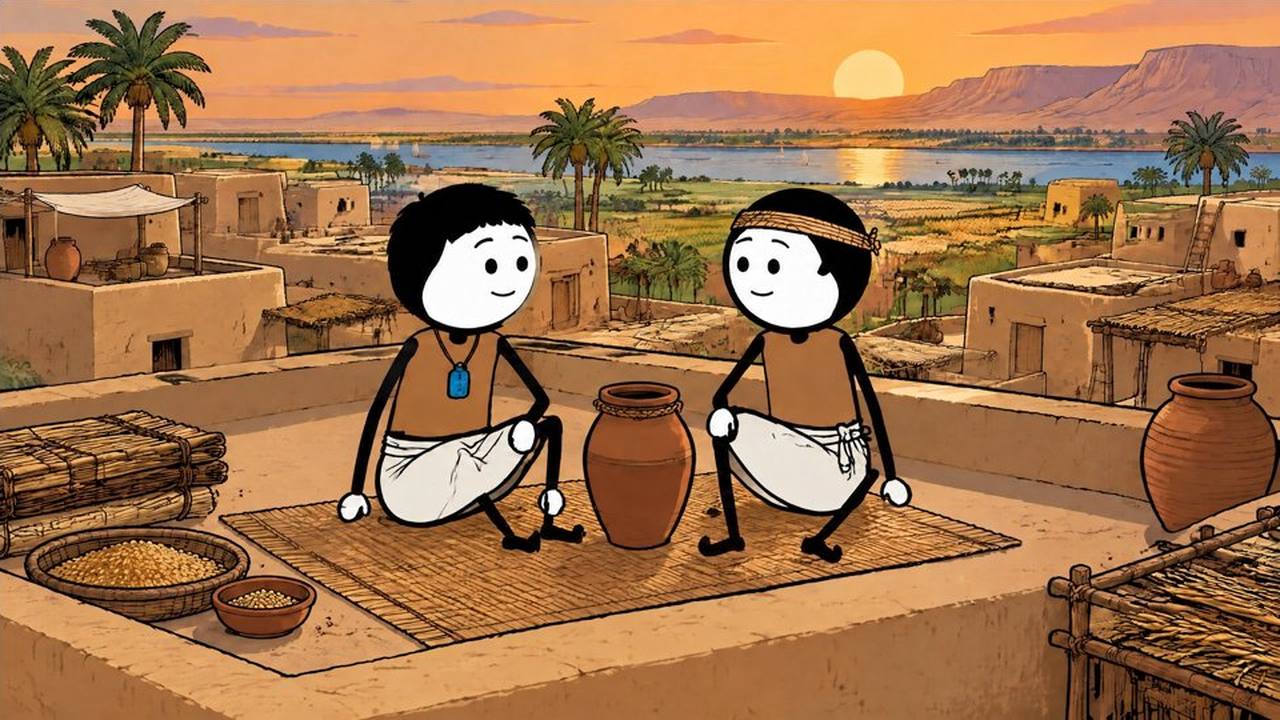
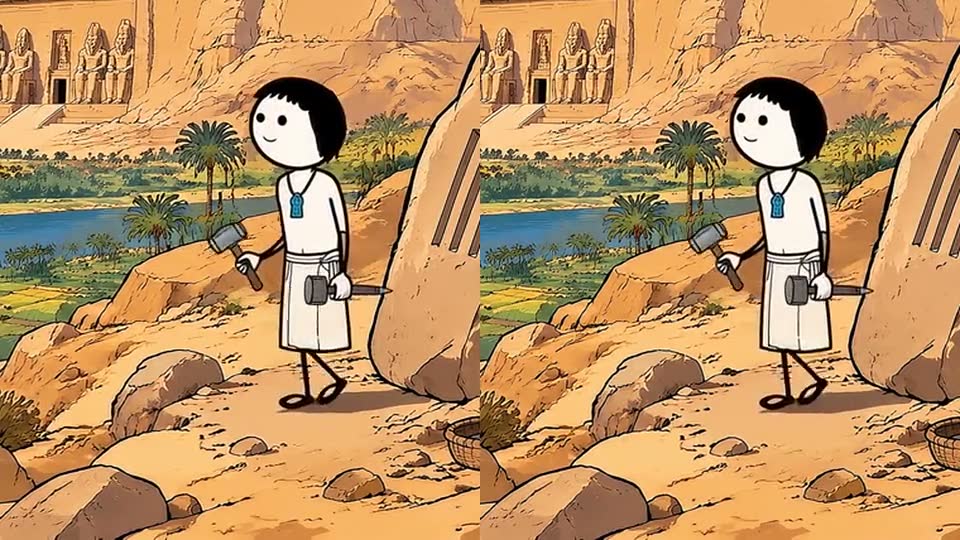
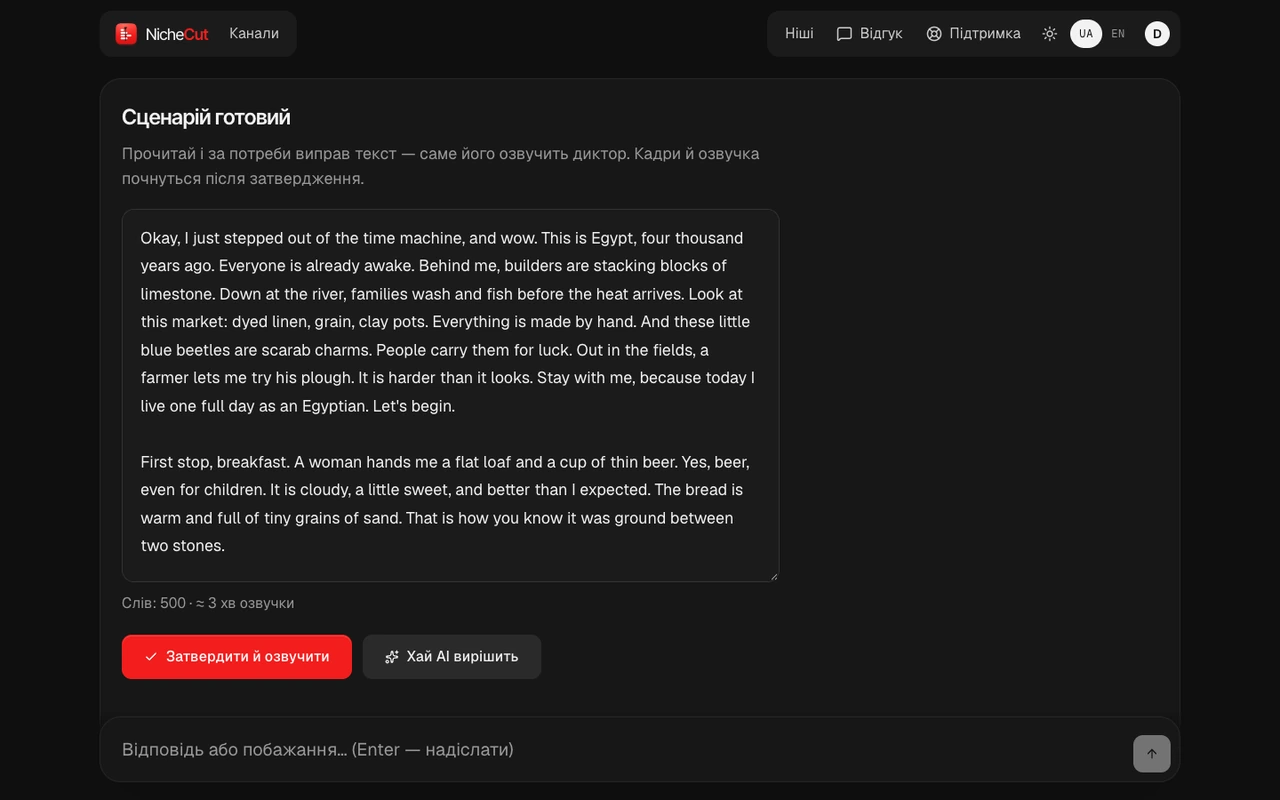
- Voice and subtitles. The voice-over lands on the track and every word becomes a subtitle.
- Shots. Scenes become shots of equal length, each with its frame in view.
- Motion. Frames become short clips: people move, the camera breathes like in a real vlog.
- Scanner. The scanner looks for defects in frames and clips: extra hands, broken forearms, camera shake. What it finds is redrawn or steadied.
- Done. Voice, subtitles and picture are assembled. The finished video is waiting below.
Flaws show up before the edit.
The scanner watches every clip and gives it a label: goodtrimregenerate
- In a 40-clip test, catches 14–19 of 22 faulty clips
- False alarms on clean clips: 1–3 of 18
- Shake after stabilisation: −72…−82% on 2 clips
- Blind spots: defects under 0.3 s and errors of meaning
That’s why you still see every frame yourself, before animation.
Nothing moves on without your yes.
- Script
You edit the text. The voice waits for your yes.
- Storyboard
Every frame before animation. Then your yes.
- Animation
Starts only after that yes.
- Edit
The clips are assembled into one video.
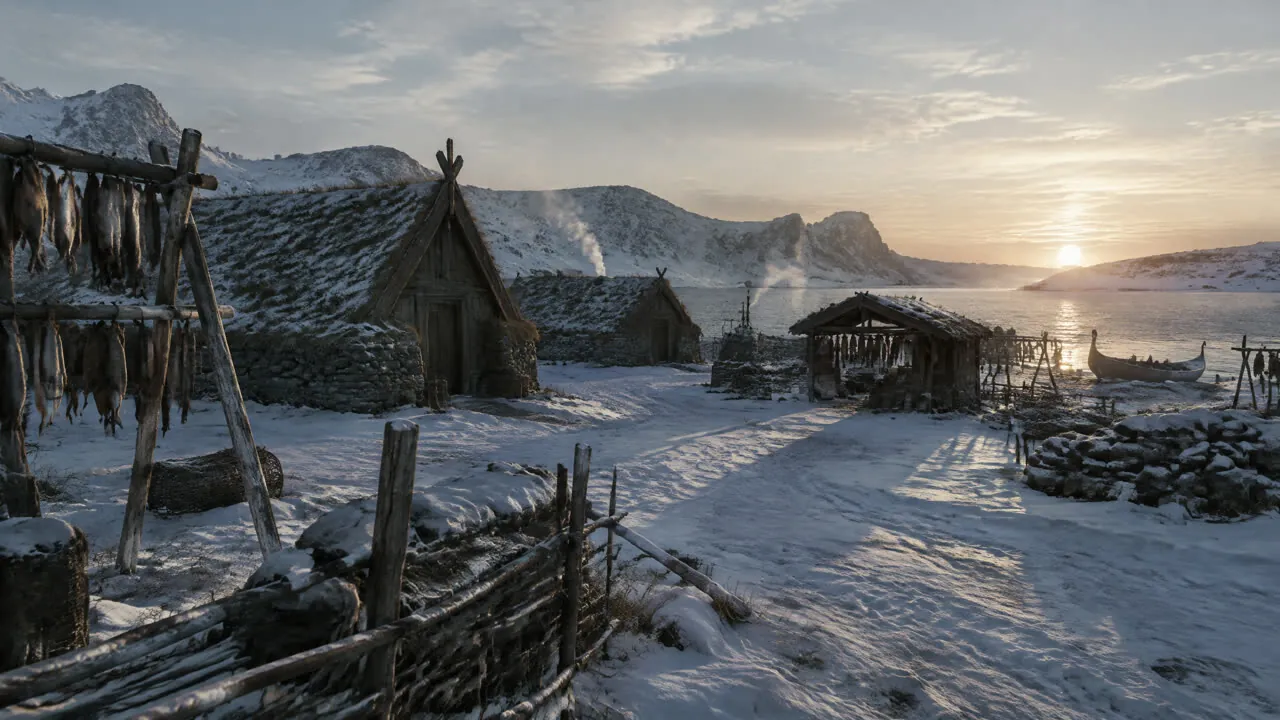
Run your channel from one studio.
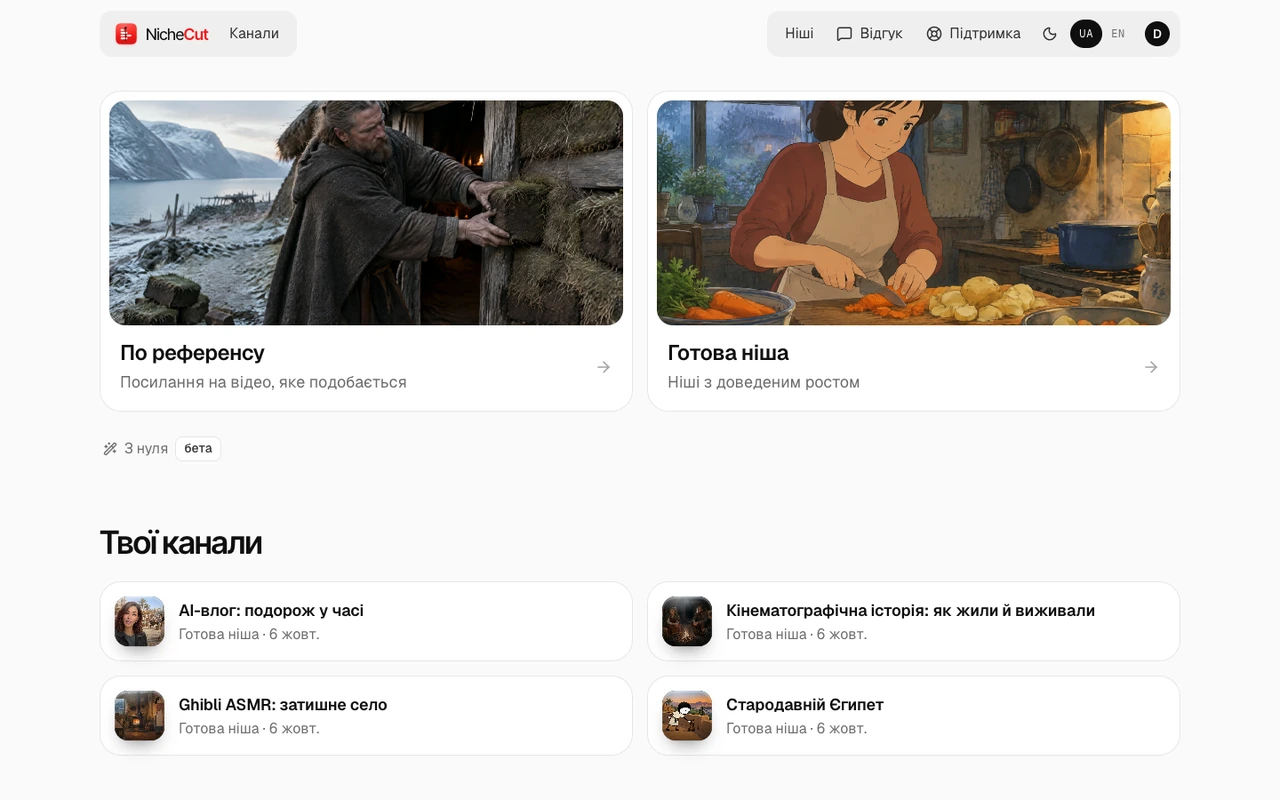
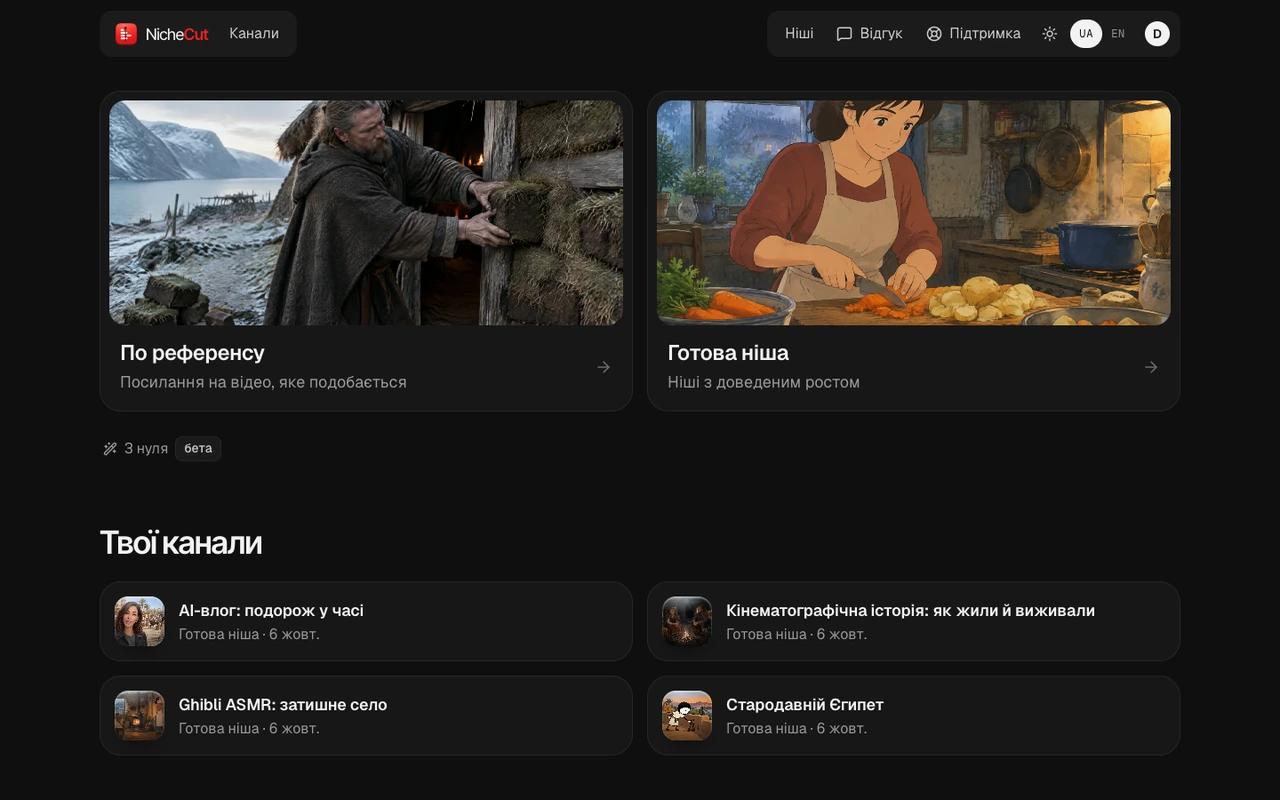
- Channel projectsEach with its own niche and memory.
- Videos in progressYou see the stage and confirm it.
- YouTube packageTitle options, description, tags and hashtags.
YouTube connect — coming soon
The final touches happen in the editor.
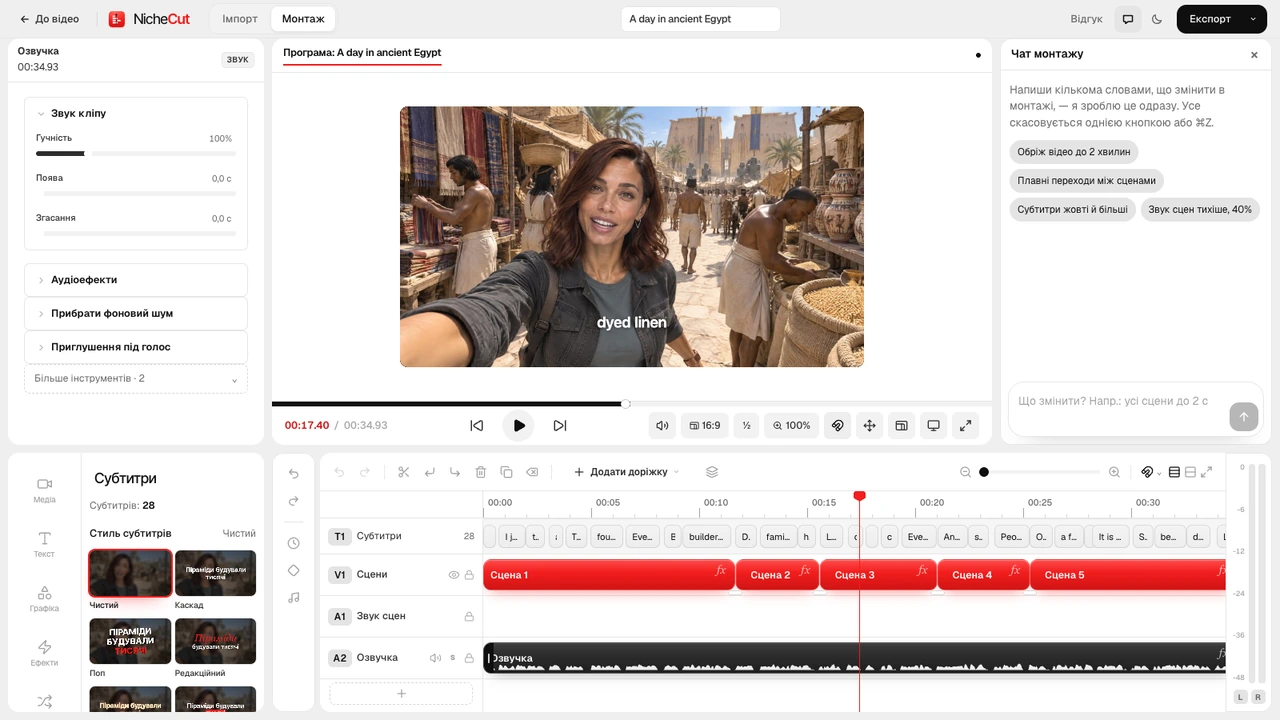
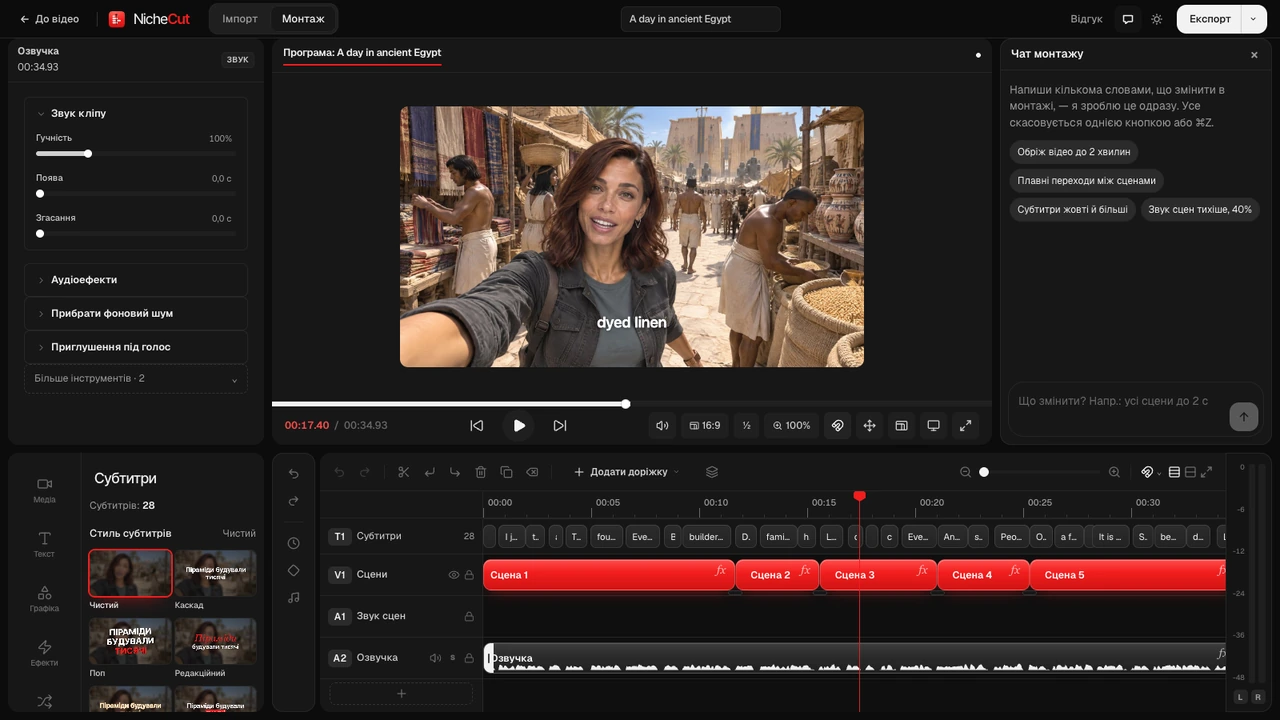
Timeline, sound, captions, export — in the browser.

Niches that are already growing.
Of the channels we measured in each niche, the one with the biggest audience. Not the niche average.
Bubble area is the number of subscribers. Public channel statistics, measured by NicheCut.
- Time travel · Betaover 400K
Chloe VS History · about half a year · median ≈ 607K
- Ancient people194K
Zenn · 186 days · median 19K
- POV ranks92K
The Life Outline · 258 days · median 16K
- Cinematic history47K
Worlds Before Us · 266 days · median 8.4K
- Painted ASMR38K
Ghibli Breeze AI · 183 days · median 104K
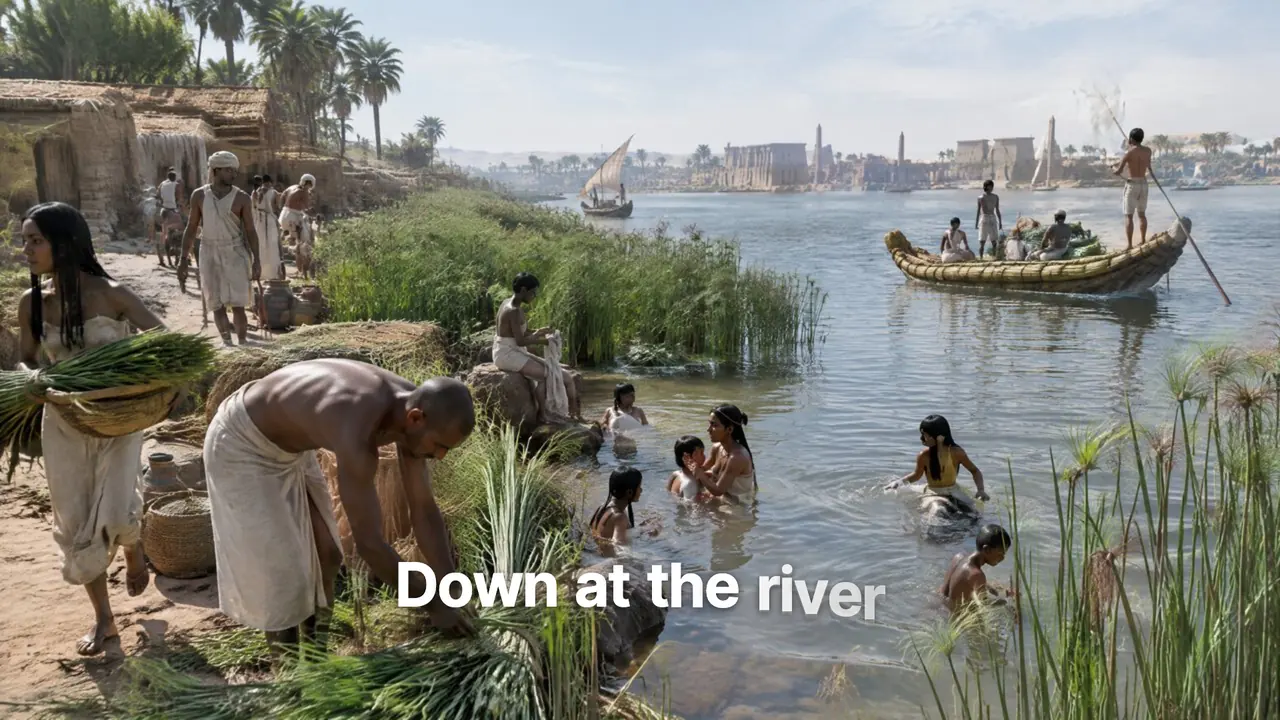
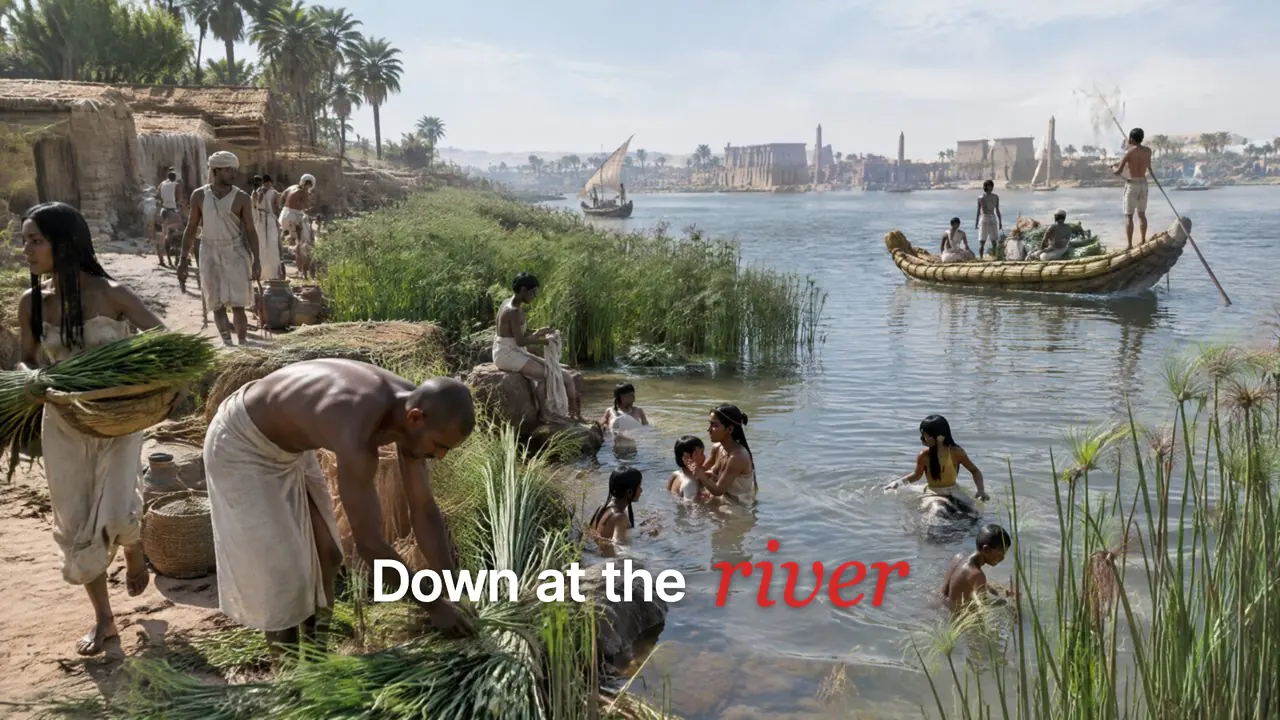
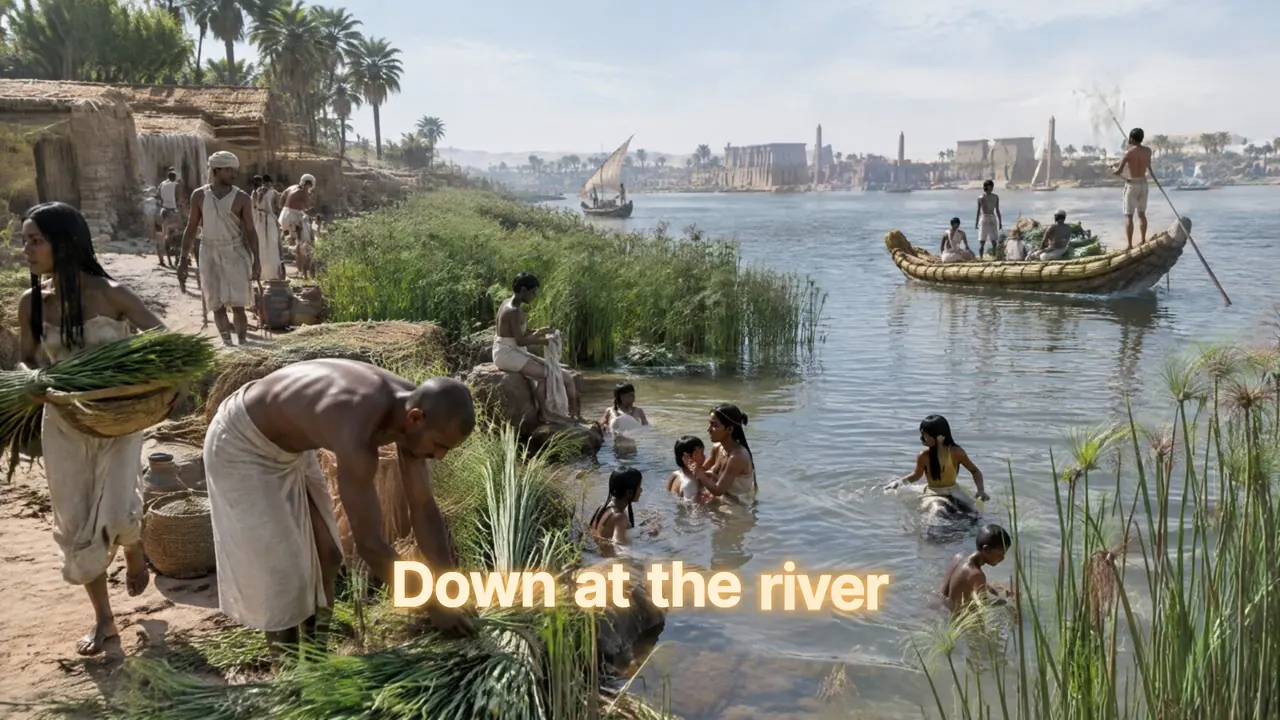
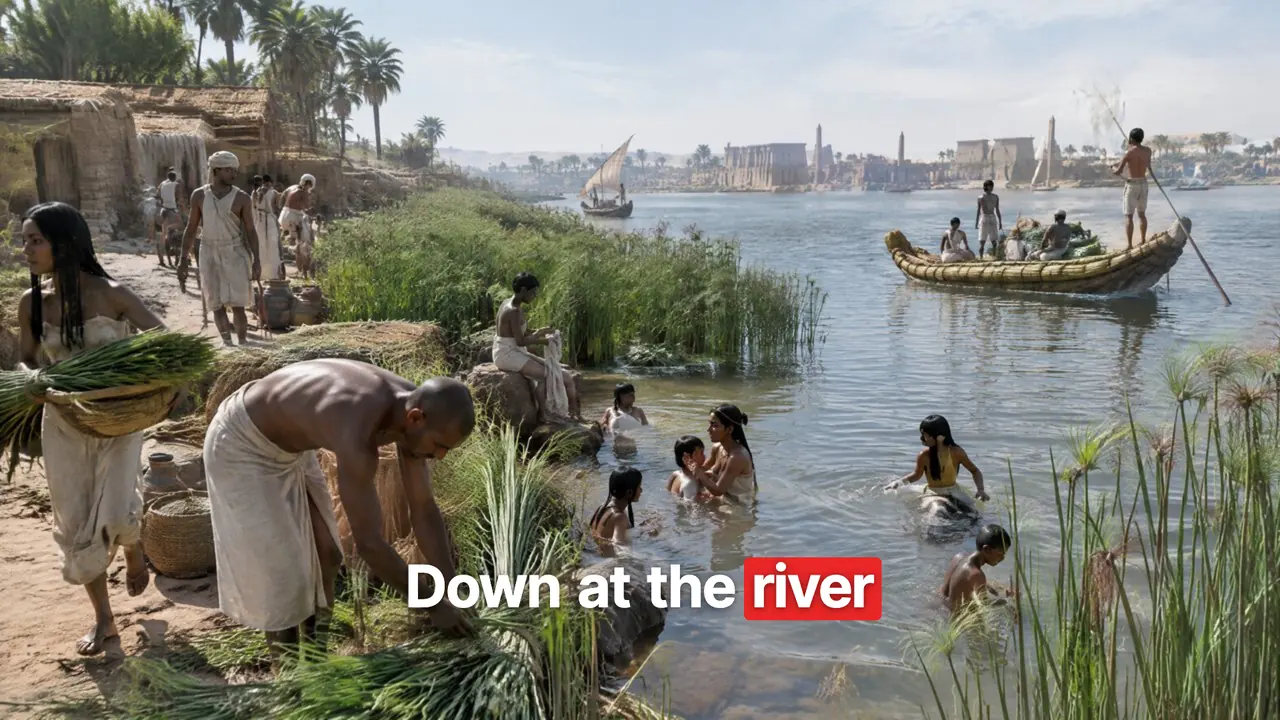
- Egypt14K
Ancient Life · 66 days · median 8.3K
We measure. We don’t guess.
Paste a link and NicheCut breaks the video into numbers: cuts, pace and delivery.



- 363scenes detected
- 3.3saverage shot
- 175words per minute
- 3,475words in the script
Measured on one real video
Got a reference?
Find a similar stylePick a niche and start.
Every niche has its own look and format. Choose a stack of frames to see what’s inside.
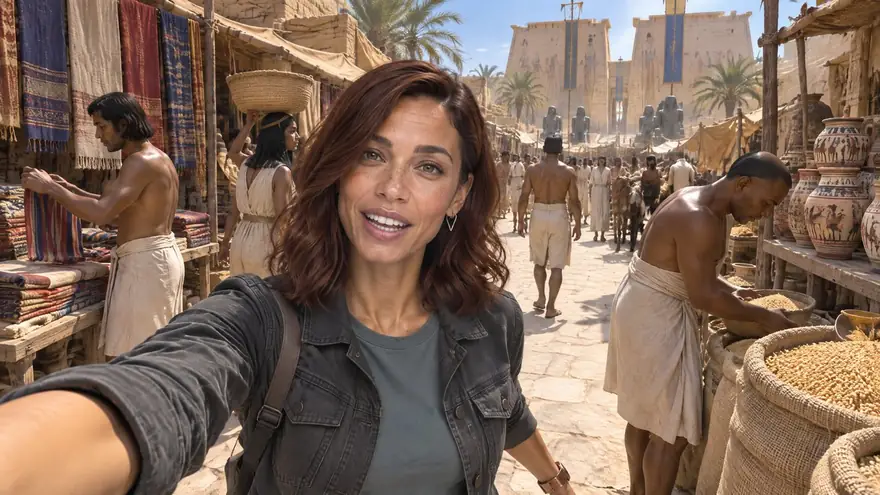
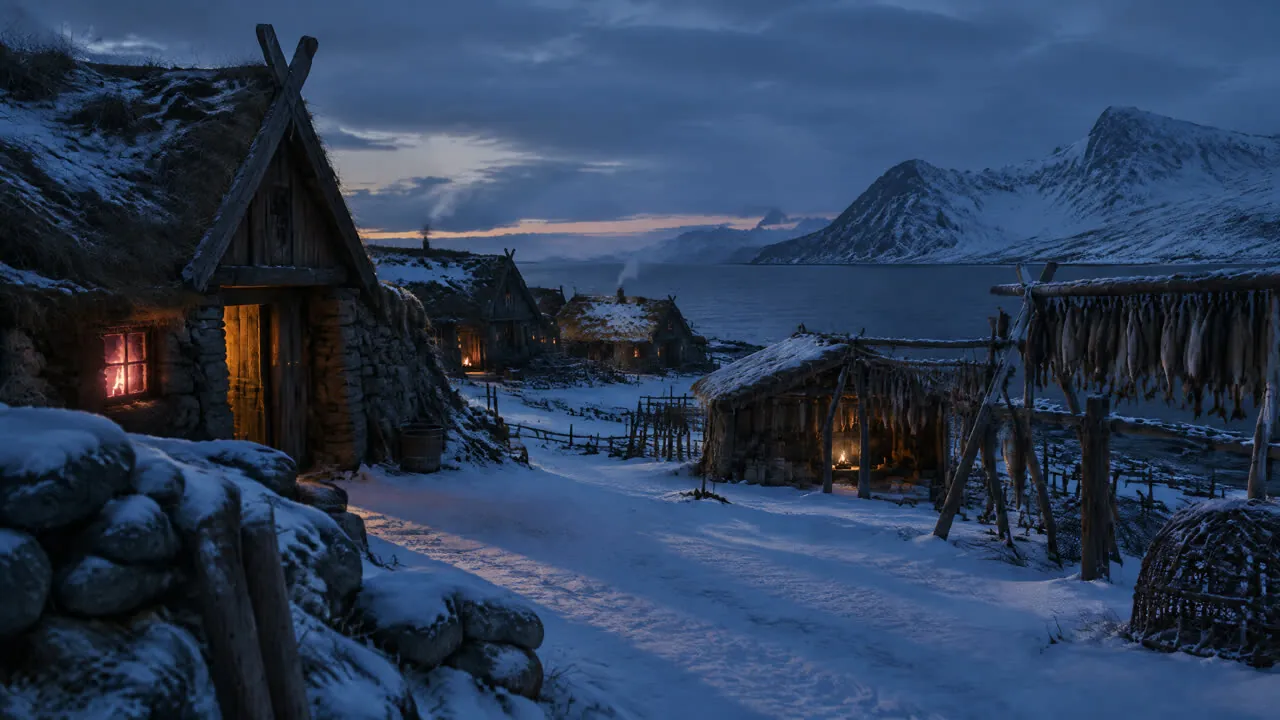
AI Time-Travel Vlog
A host “travels” to an era and films a phone vlog.
What’s inside
- Beta · experimental format
- Photoreal selfie vlog
- Episodes with one host
- Example channel: over 400K subscribers in ~6 months
This is what comes out.
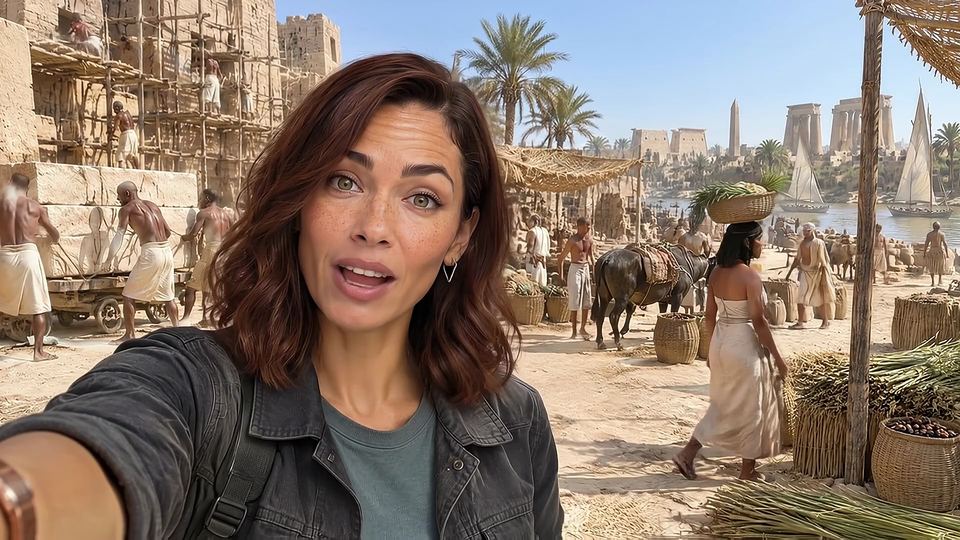
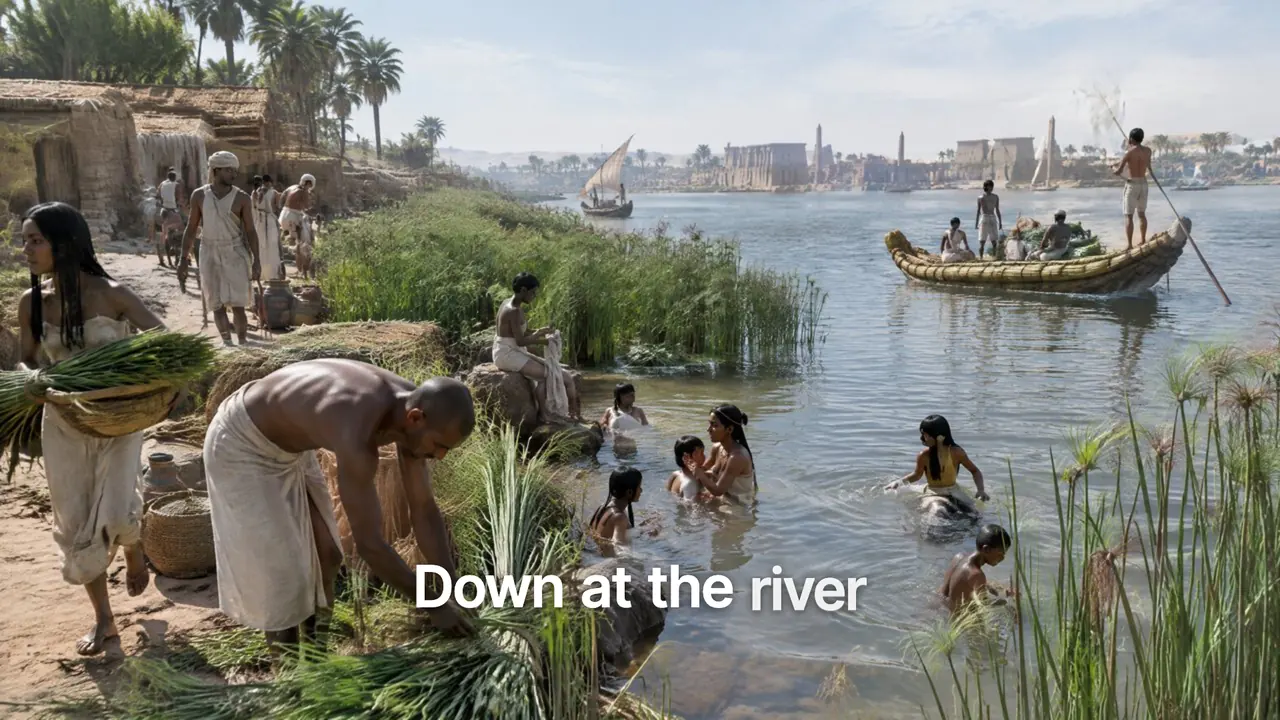
Two more clips assembled in NicheCut
Make your first video.
Pick a niche and the agent walks you through every stage. Paid steps are open to invited users for now.